Work with an AI Agent
Zasper can run the coding agent you already use, in a panel beside your notebook. In this tutorial you start Claude Code, ask it about a chart, let it add a new section to the notebook, then review what it changed and take it back.
The notebook is examples/nyc_taxi.ipynb: every yellow taxi trip in New York in January 2024, almost
three million of them, queried with SQL cells and charted in Python. Its SQL cells run on a SQLite
database of those trips, through a connection called taxi. You don’t need that notebook or its
database to follow along: any notebook with a chart in it works the same way. The notebooks for the
other tutorials are in zasper-tutorials.
This page assumes Zasper is installed, open on a folder you trust, with the
notebook open and run once. It also assumes Claude Code is installed and signed in: run claude once
in a terminal. Coding Agents has the install commands for Claude Code, Gemini
CLI and Codex.
Start The Agent You Already Use
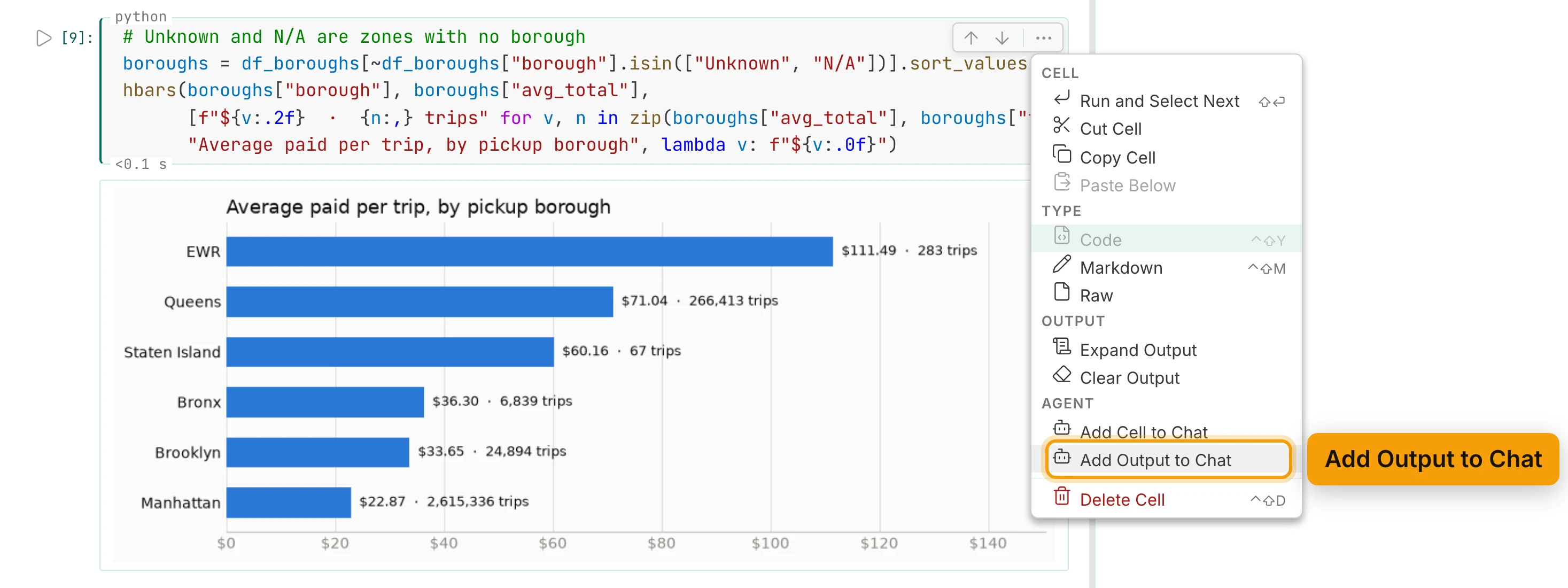
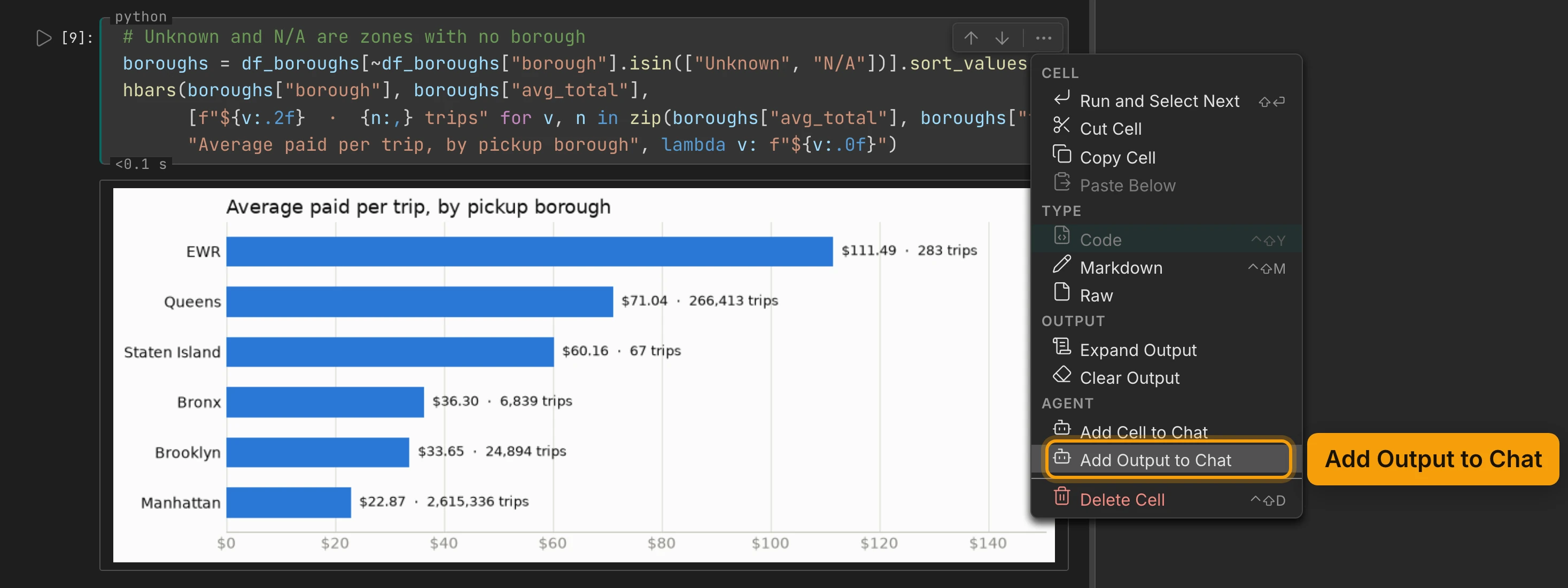
The last chart in the notebook is the average paid per trip, by pickup borough. Each bar is labelled with its trip count. That chart is what you will ask about.
The bot button in the top bar, Toggle the agent panel, opens the agent panel on the right, beside your notebook. With no chat open, it lists the agents Zasper knows. The ones installed are under Ready, each with a Start button.
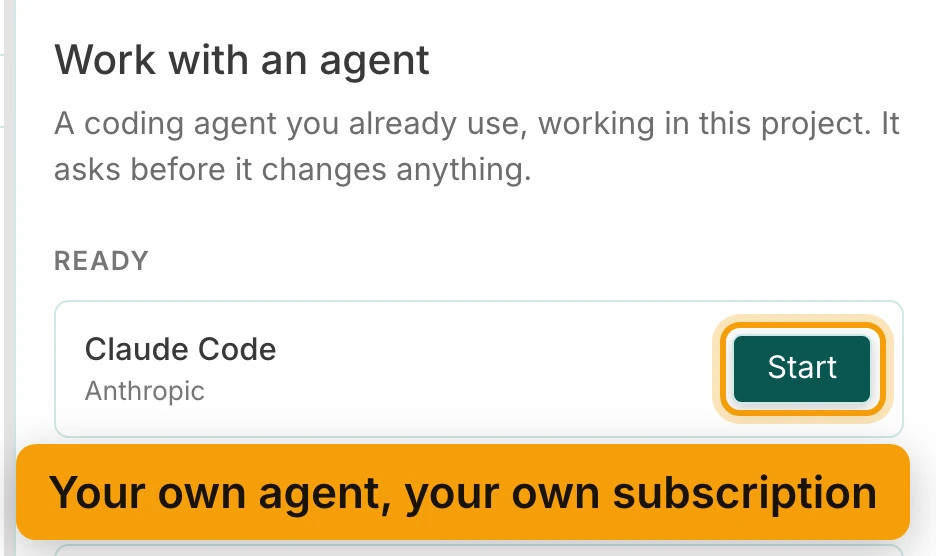
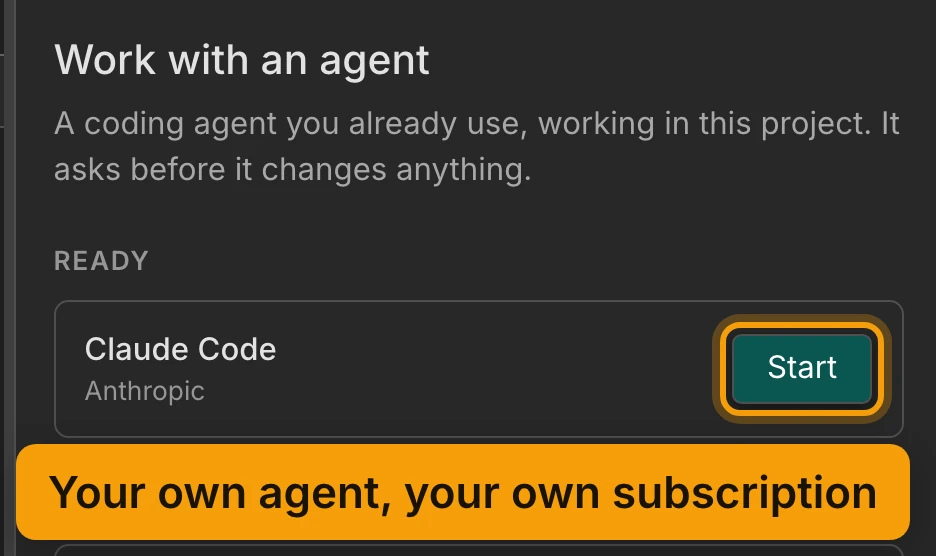
Zasper doesn’t bring a model of its own. It runs Claude Code, signed in with your own account and on your own subscription. Press Start beside Claude Code. When the field at the bottom of the panel appears, the agent is ready.
Ask About An Output
Every cell has a menu, under the three dots at its top right: More cell actions. Its Agent group has two items:
- Add Cell to Chat sends the cell’s code with your next message.
- Add Output to Chat sends what the cell printed or drew.
Open the menu on the borough chart’s cell and choose Add Output to Chat.
The output shows as a chip above the message field. Then ask your question, the way you’d ask a colleague:
Why is Staten Island's average less reliable than the other boroughs'? Check its fares in the kernel, then answer in two sentences, without dollar signs.
Press Enter to send. The agent’s words stream into the panel as it works.
| Action | macOS | Windows / Linux |
|---|---|---|
| Send the message | ⏎ |
Enter |
| New line in the message | ⇧⏎ |
Shift+Enter |
Before Claude reads or runs anything, it asks. The question appears in the chat, with Claude’s options
as buttons. Here it asks to read the notebook, through Zasper’s read_notebook tool.
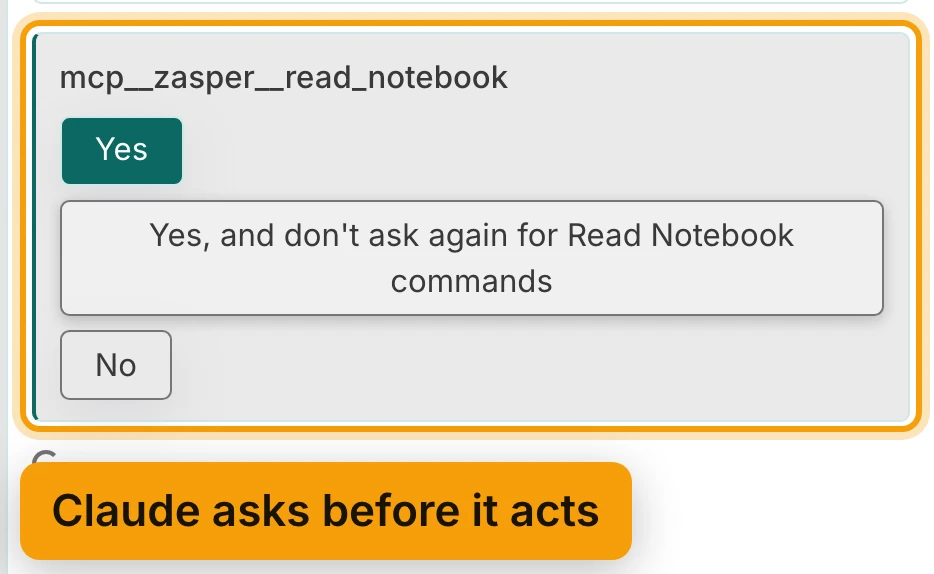
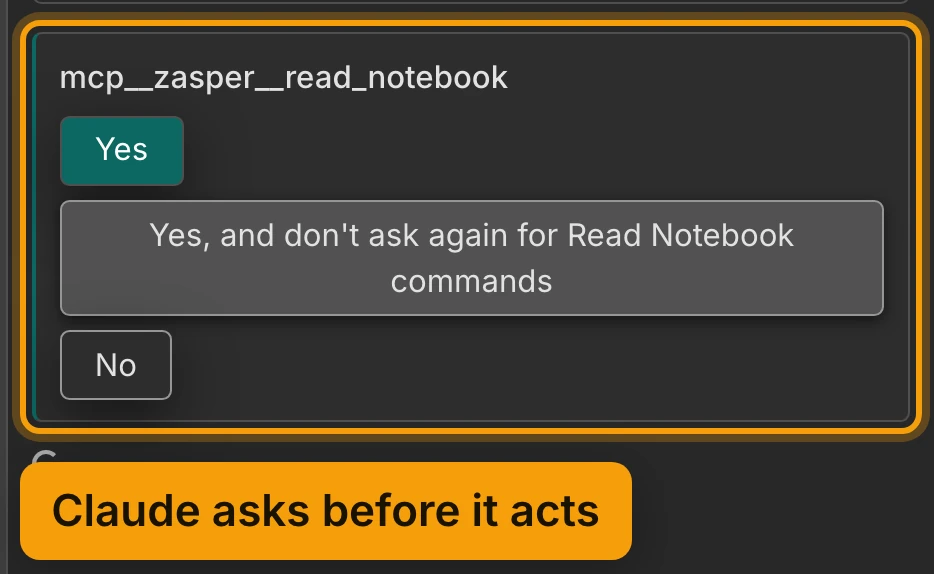
Choose Yes, and don’t ask again, and it won’t ask again for that kind of action.
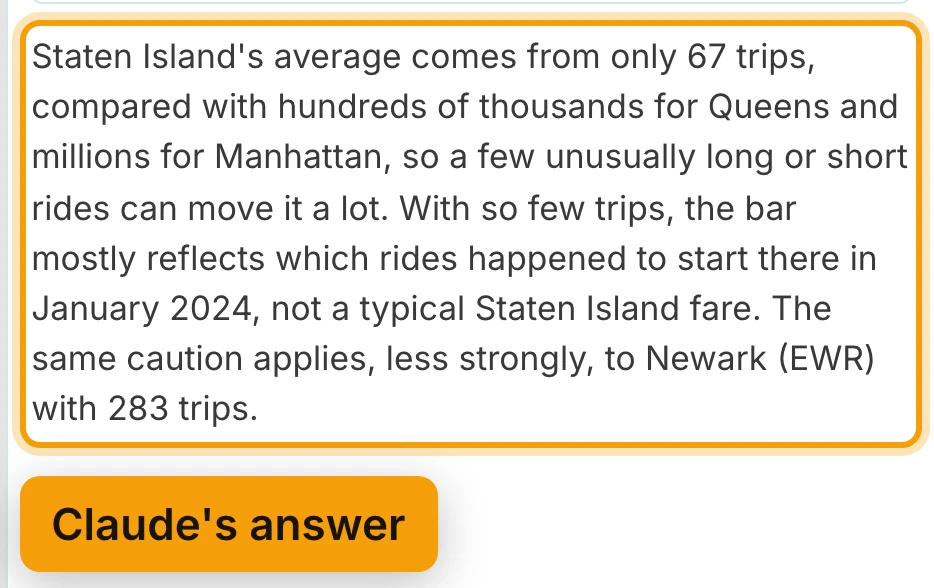
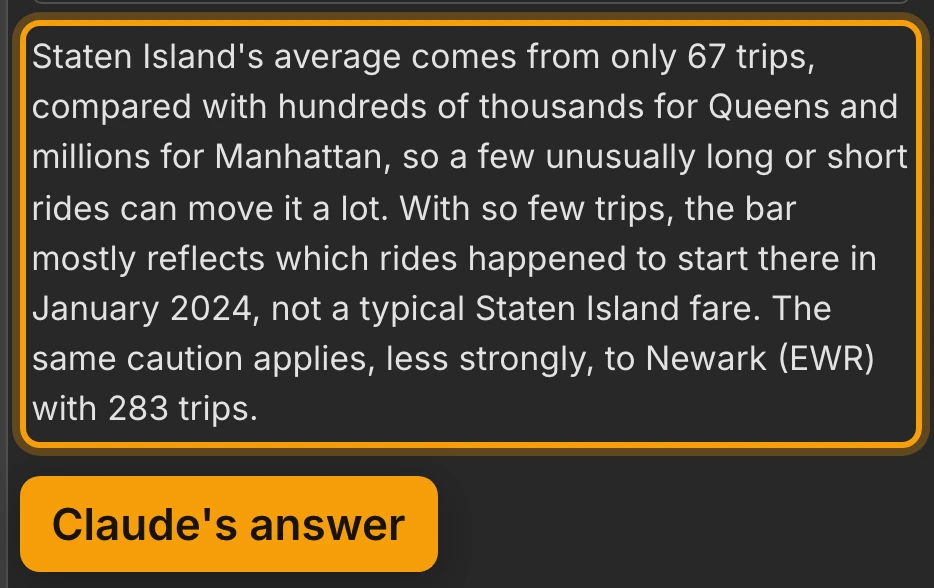
Its answer comes from the trip counts in the chart: Staten Island’s average rests on 67 trips.
Let It Extend The Notebook
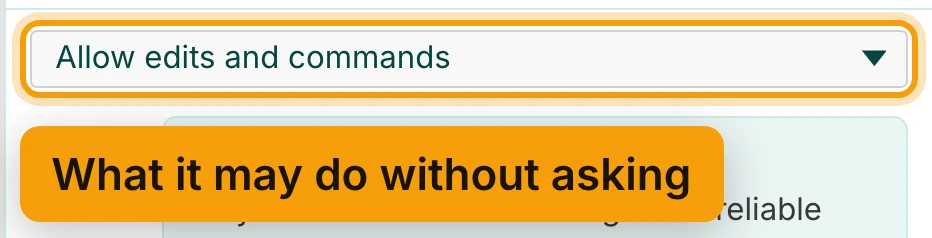
Now something bigger. The menu at the top of the chat is labelled What the agent may do without asking. It has three settings:
- Ask every time: every question comes to you.
- Allow edits: edits, moves and deletes of files are answered for you.
- Allow edits and commands: edits and commands are answered for you.
Choose Allow edits and commands.
Then ask for a new section: taxi trips by hour of day, as a SQL cell and a chart.
Add a section after the trips-per-day chart: a SQL cell on the taxi connection that counts trips by pickup hour, and a bar chart of it in the notebook's style. Run both.
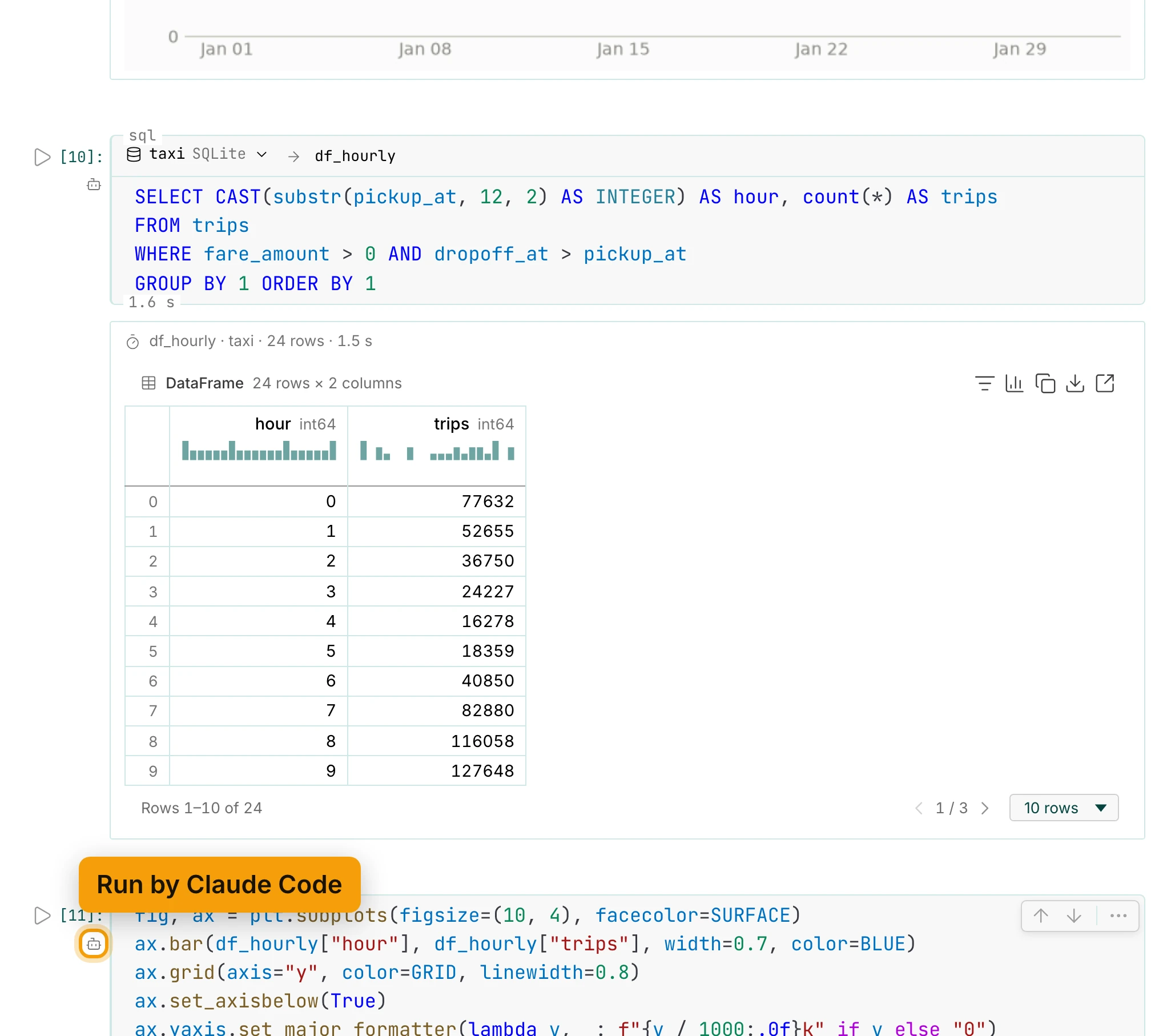
Claude works through Zasper’s own notebook tools. It reads the notebook, adds the cells, and runs them in your kernel, while you watch. Each step it took is listed in the chat as a row, and a row opens to show what that step did. The tools are listed in MCP Server.
In the notebook, a cell the agent ran carries a bot mark in its gutter, below the cell’s number. So you always know who ran what.
Review What It Changed
When a turn ends, the files it changed are listed under it. Here, one file: examples/nyc_taxi.ipynb,
marked M for modified.
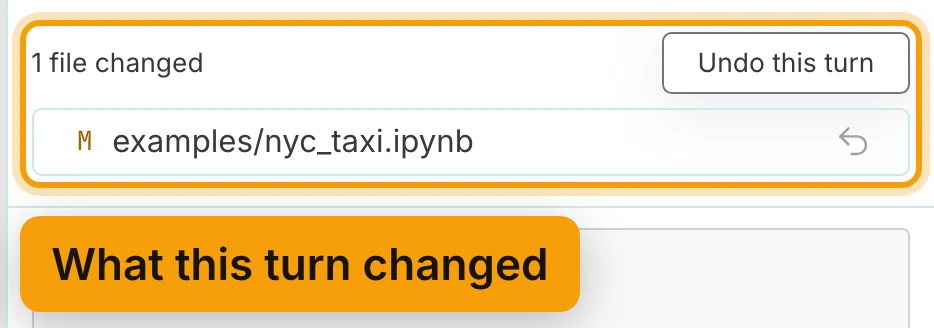
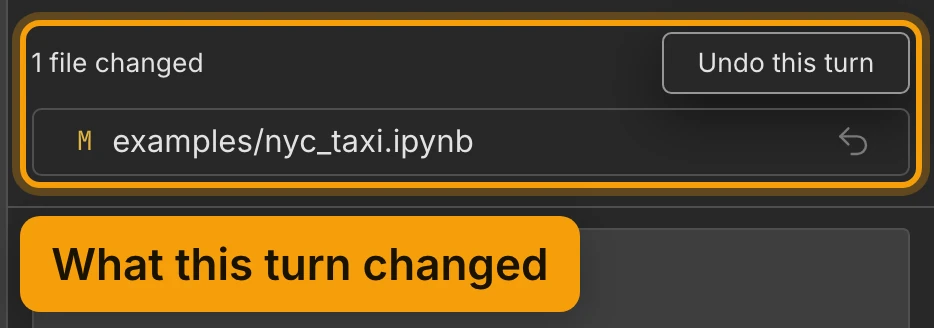
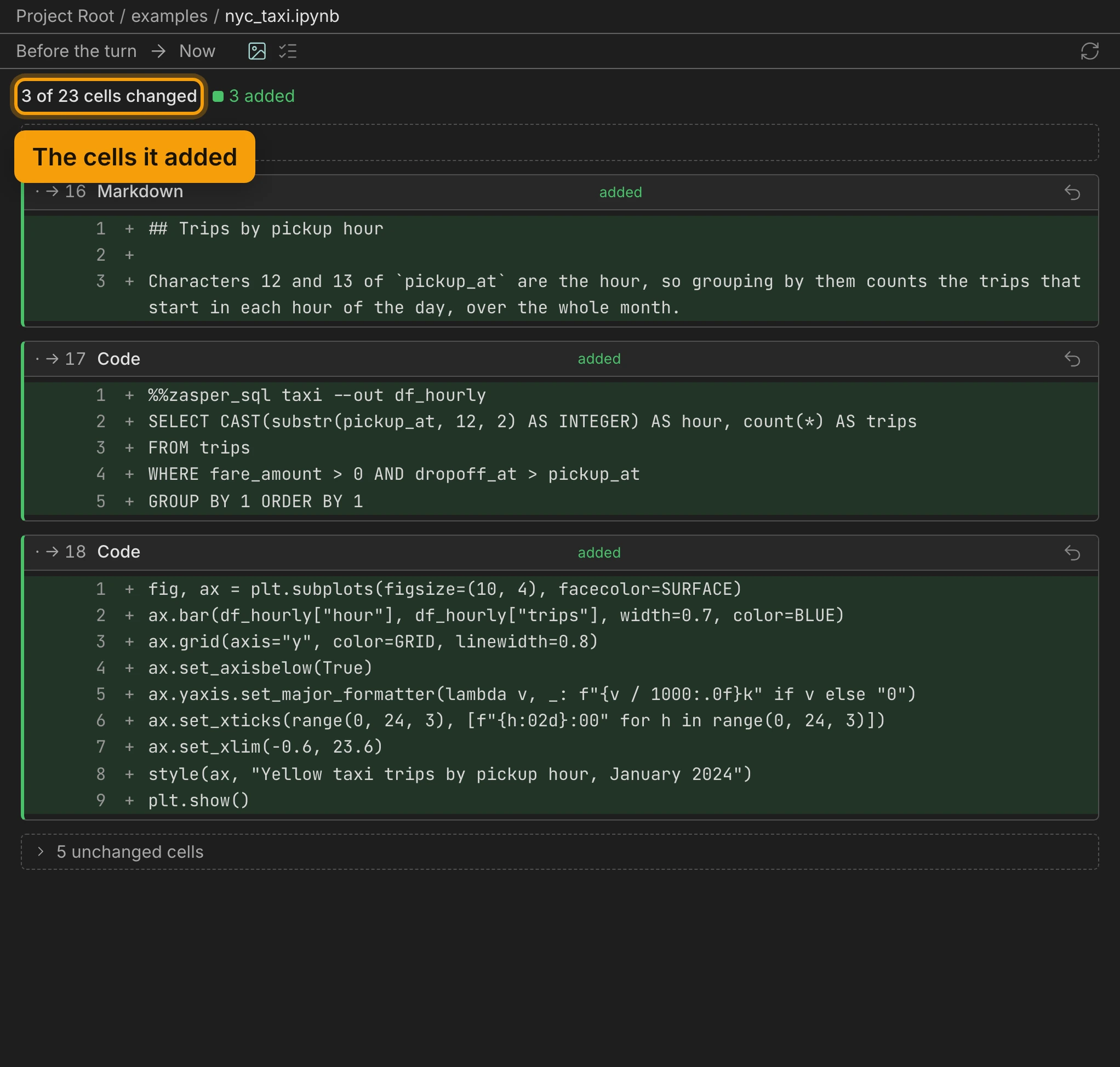
Open the file to see the change as a notebook diff, Before the turn against Now. A line at the top counts the cells the turn changed. Each cell it added is a card of its own, and the cells it didn’t touch fold away into one line.
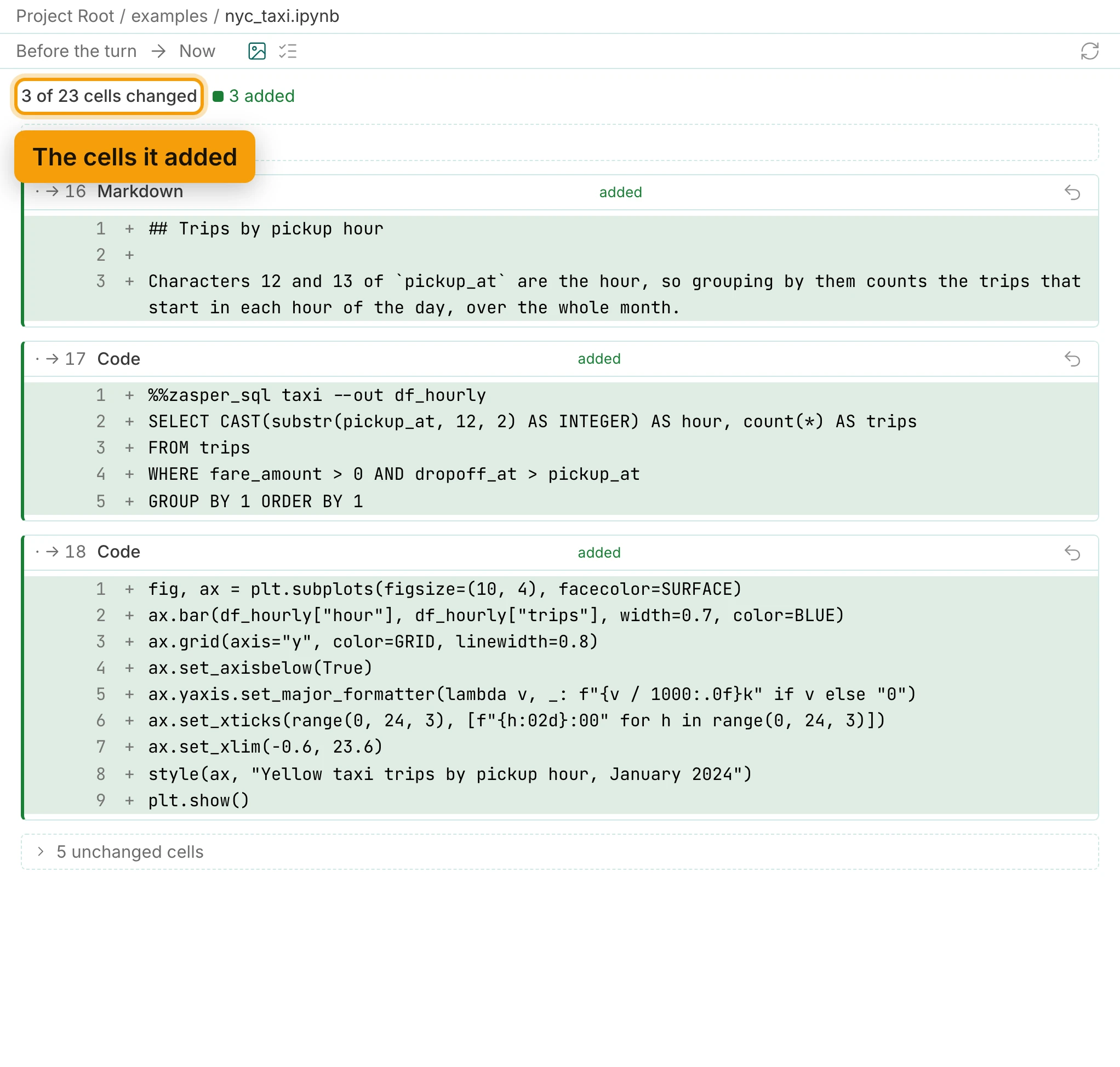
The first turn’s list may name .claude/settings.local.json. That is where Claude Code keeps a yes
you gave for good. Zasper lists every file a turn changed, however it was changed.
Undo A Turn
If you’d rather not keep it, press Undo this turn. It puts every file the turn changed back the way it was.
The notebook takes the change straight away. Go back to its tab: after the daily chart, the hourly section is gone. Coding Agents covers undoing one file, or one cell, instead of the whole turn.
Recap
- Start the agent you already use
- Add a cell or its output to the chat
- It asks first, or a mode decides
- It edits and runs cells through Zasper
- Review each turn, and undo it
Next: Coding Agents and MCP Server for reference, then Explore a DataFrame and Chart It.
