Introduction
Zasper is an open-source IDE for Jupyter notebooks. Its server is written in Go and handles each kernel’s messages concurrently, so it uses little CPU and memory of its own and stays responsive with many kernels open.
It is cross-platform:
- Fully supported: macOS and Linux
- Windows: supported, except the built-in terminal, which needs Zasper running under WSL
What’s In It
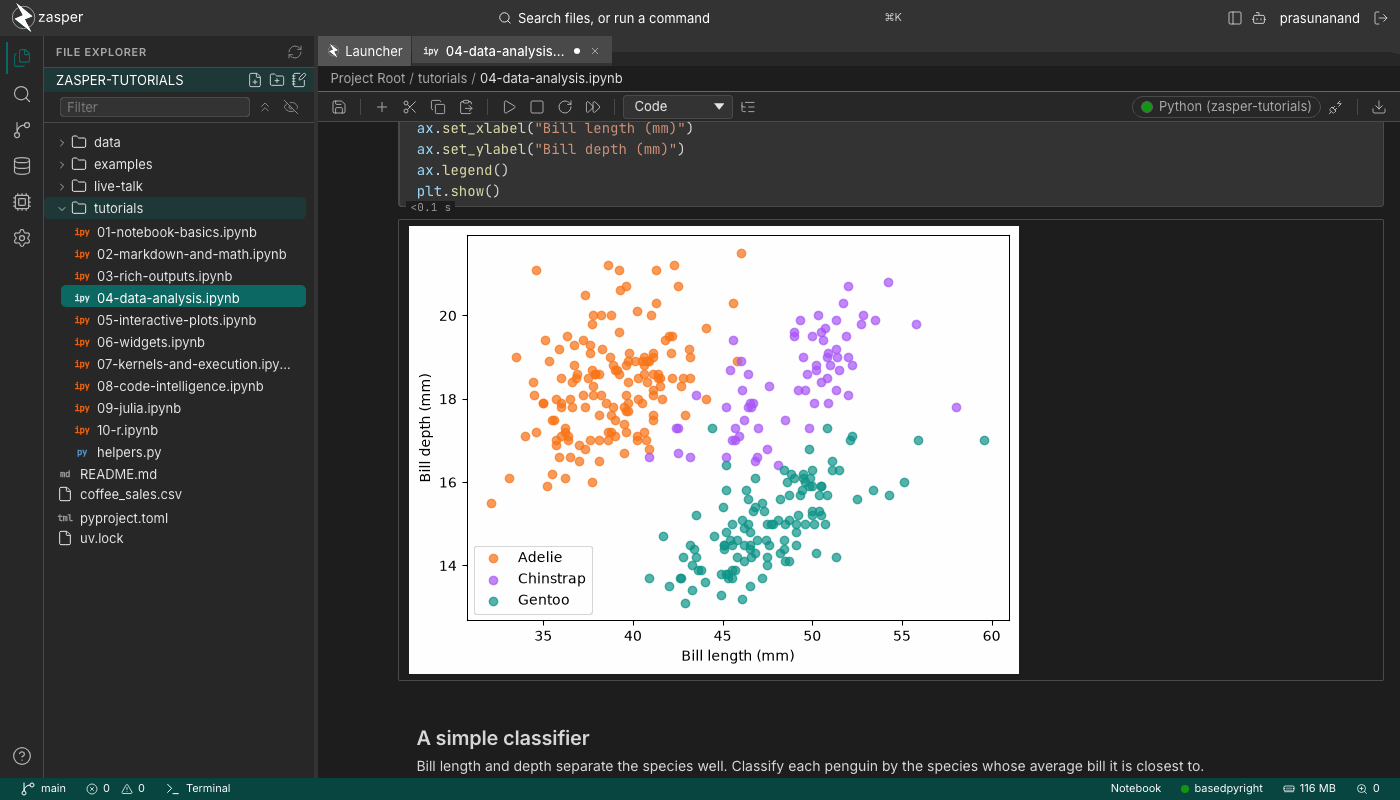
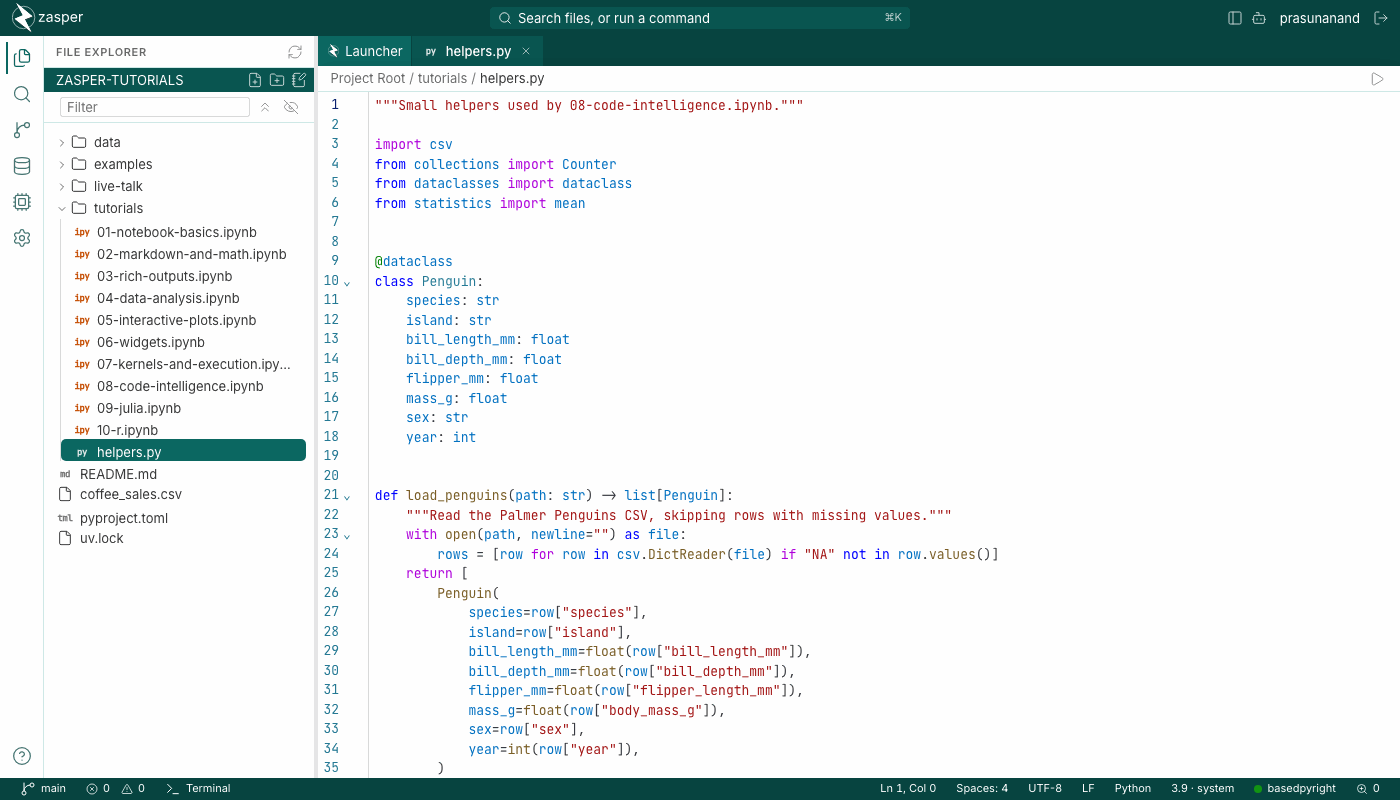
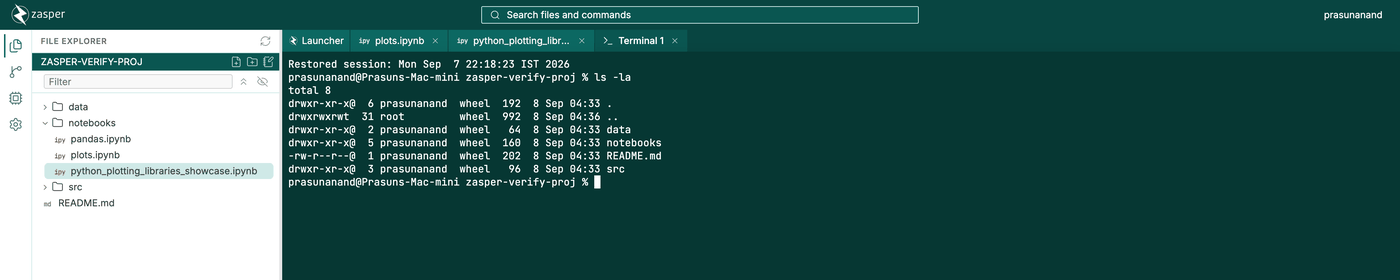
Beyond running notebooks, Zasper has SQL cells, DataFrame grids and charts, notebook diffs, language servers, project search, a built-in terminal and git, and a panel for coding agents that can read, edit and run your notebooks. An agent you run elsewhere, such as Claude Code, can do the same through Zasper’s MCP server. Trusted folders keep a project you downloaded from running its own code until you say so.
The tutorials go through most of it step by step, on real notebooks.
Benchmarks
The benchmark measured Zasper’s server against Jupyter Server, the server behind JupyterLab, with 2 to 100 kernels open and ten execute requests a second sent to each kernel. It counted the server process alone. The kernels are the same programs under both and use the same memory.
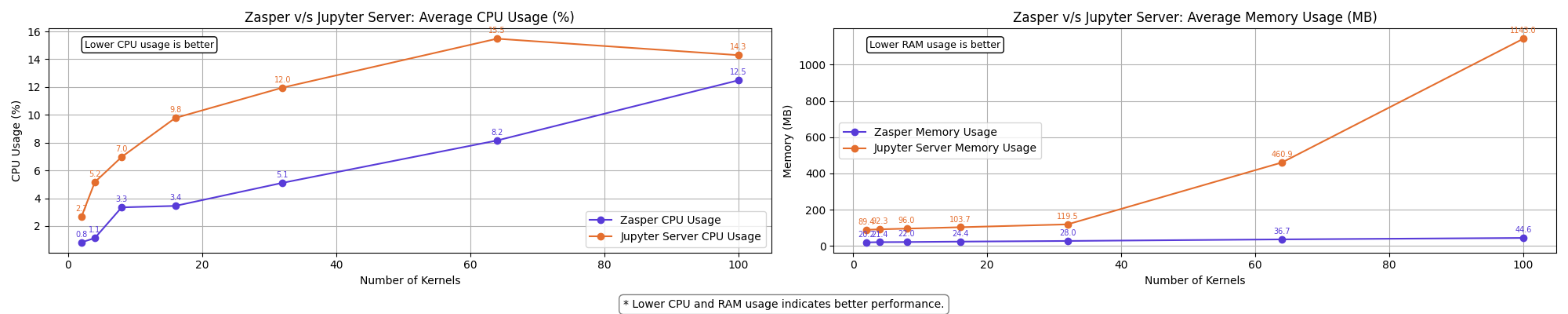
The widest gap in CPU came at 4 kernels, where Zasper’s server used 4.5 times less on average. The widest in memory came at 100 kernels: Zasper’s server peaked at 49 MB and Jupyter Server at 1.9 GB, 38 times as much. Jupyter Server began losing kernel connections at 64 kernels and had lost them all by 100. Zasper’s server kept every connection open.
The full benchmark report, methodology and raw results are in the zasper-benchmark repository.
Screenshots
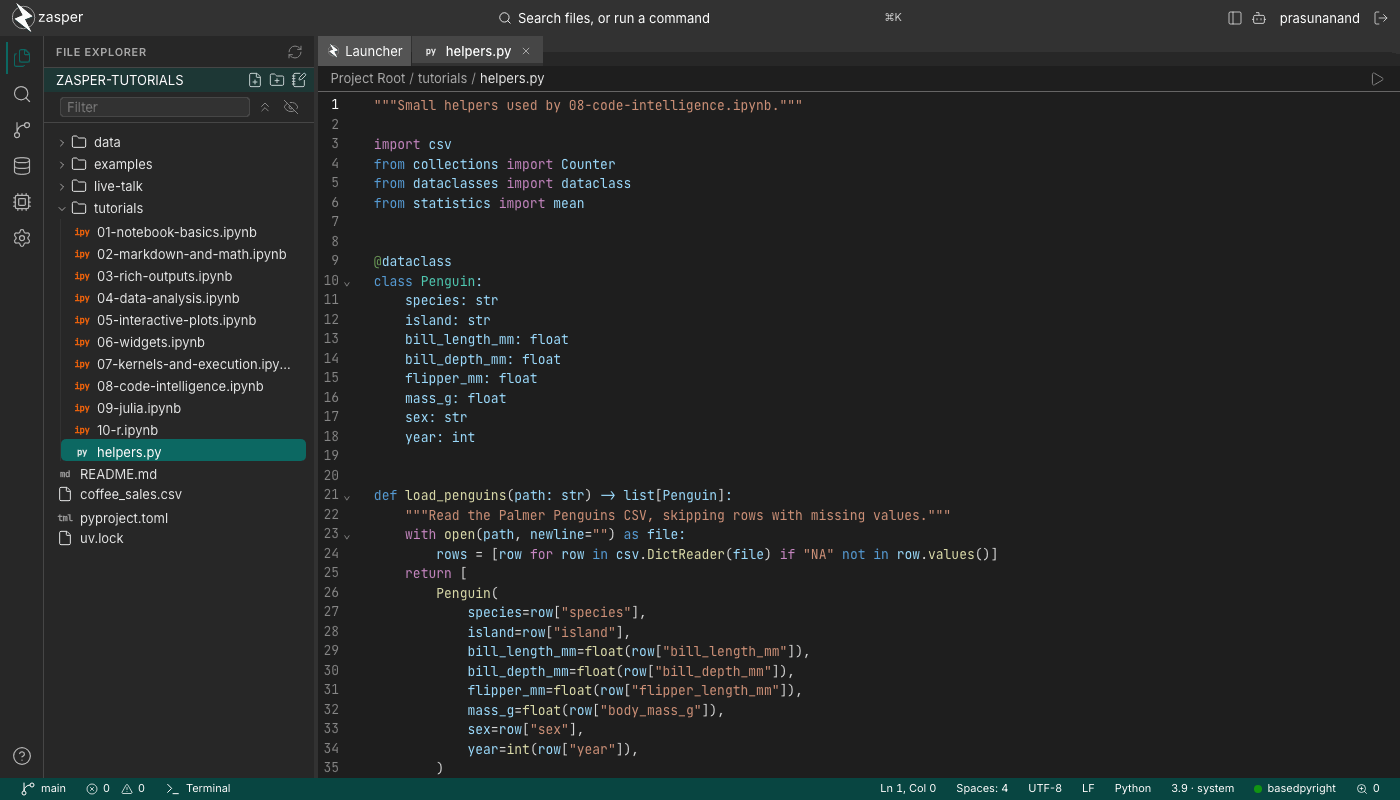
Editor
Terminal
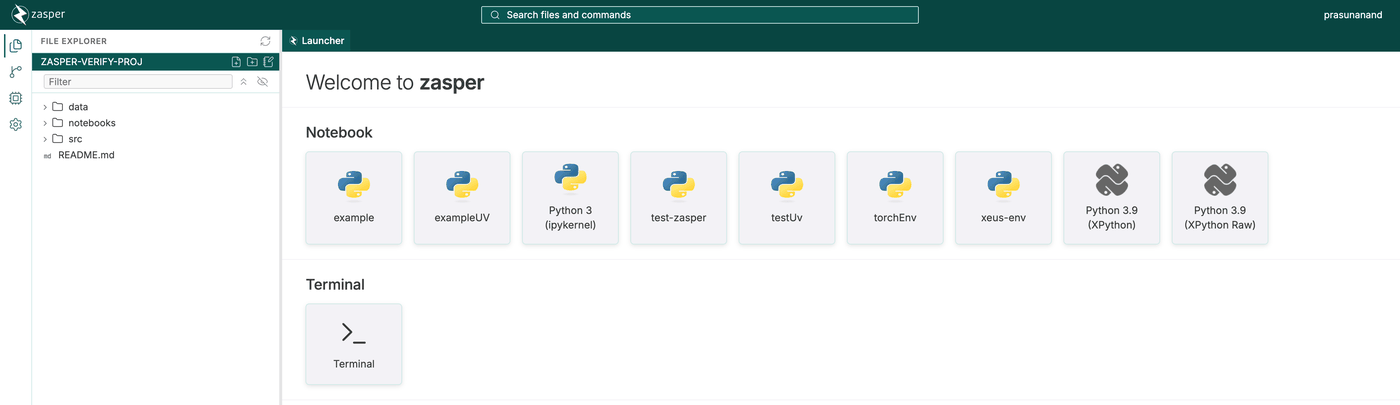
Launcher
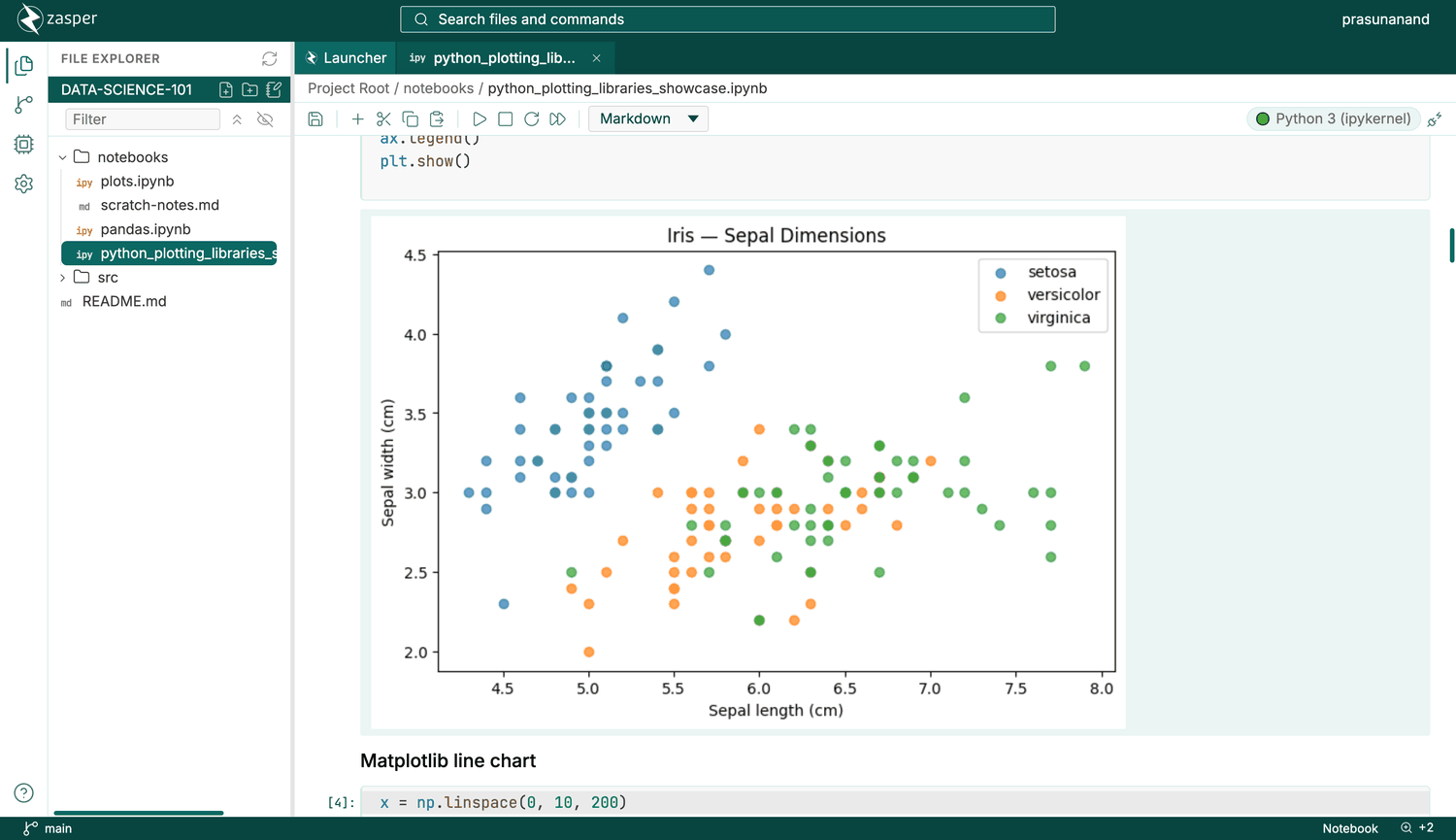
Jupyter Notebook
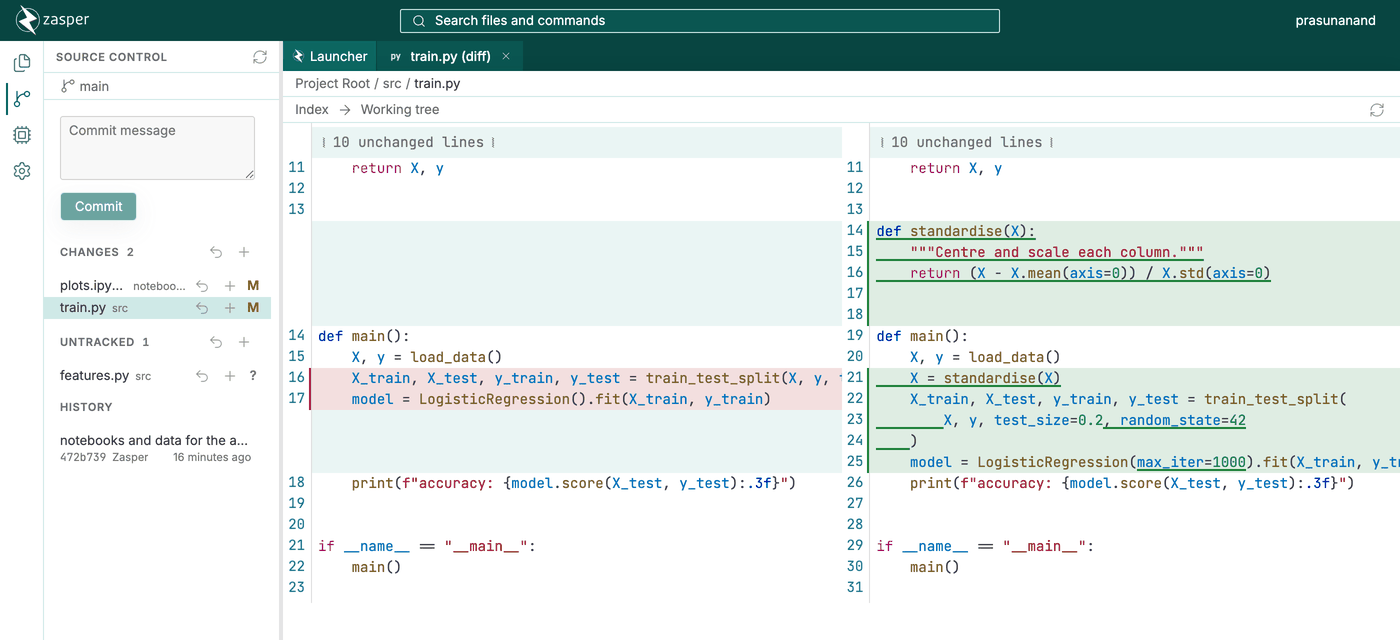
Version Control
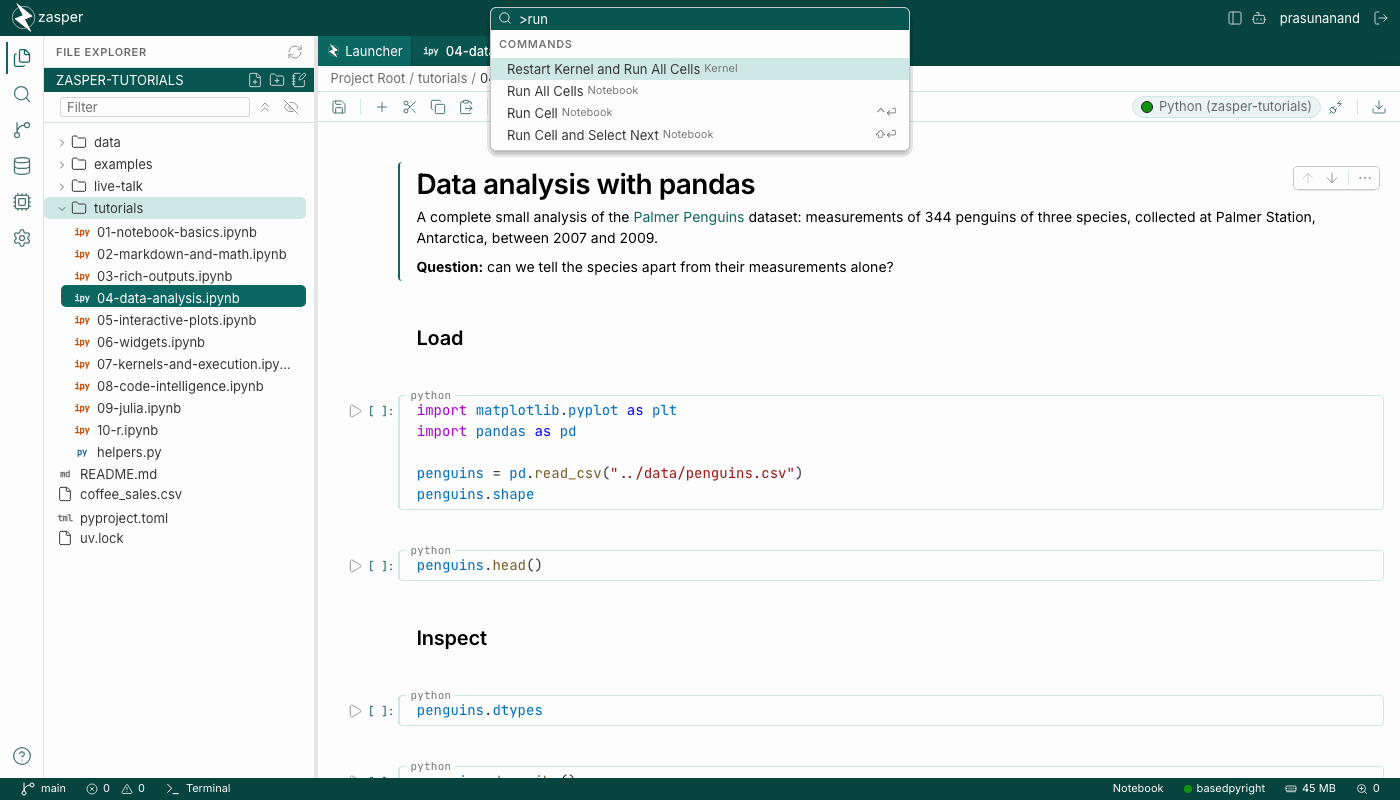
Command Palette
Dark Mode
Dark Notebook